Ganzo App Showcase
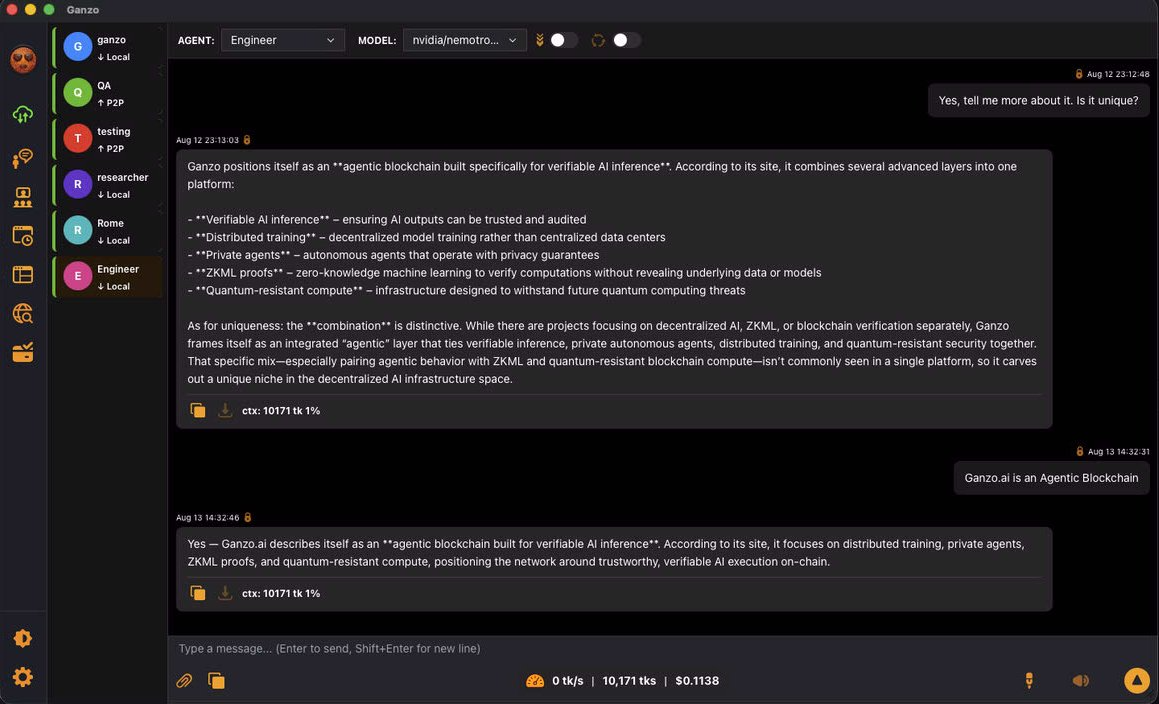
Main chat: This panel is the main chat where you send and receive messages, control agents and select other panels.
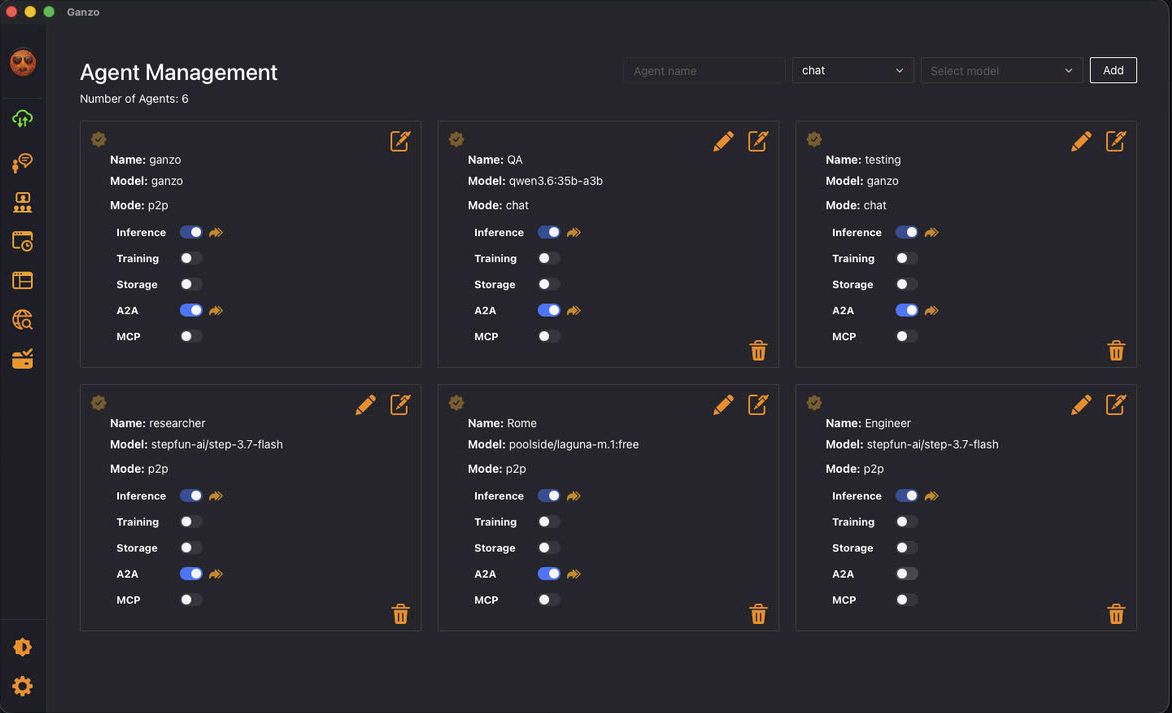
Agent Management: This panel allows you to create or delete agents.
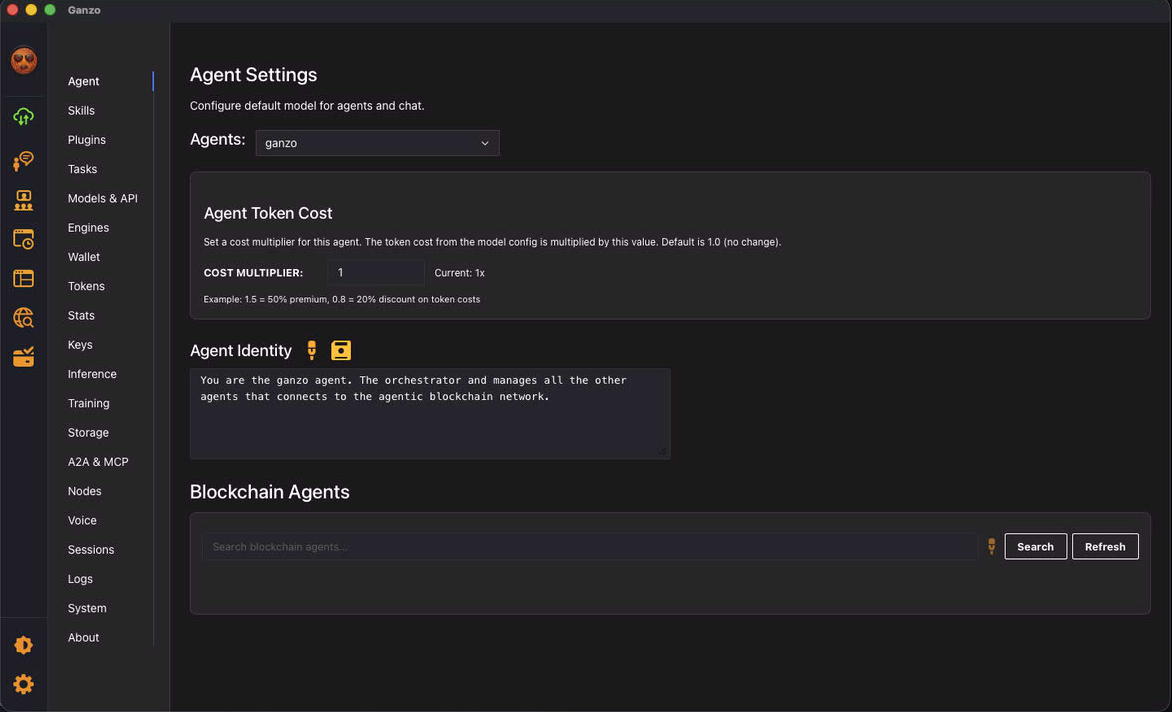
Agents: This panel allows you to manage all the agents and their definitions.
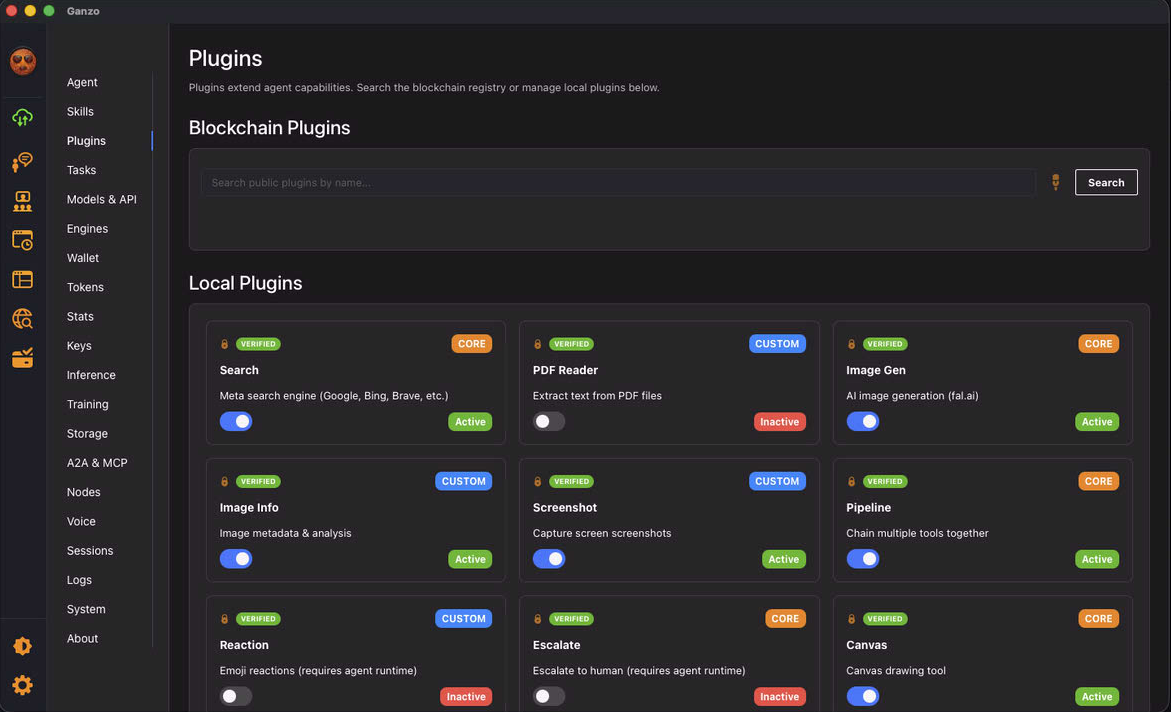
Plugins: This panel allows you to manage plugins.
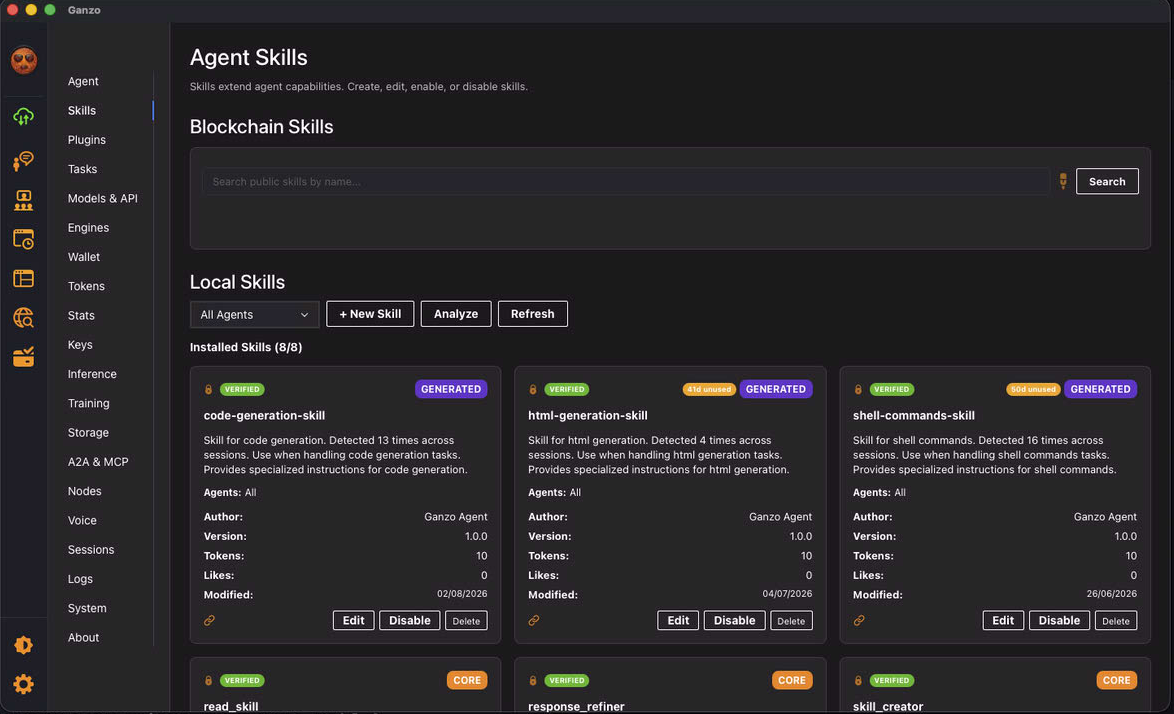
Skills: This panel allows you to manage skills locally and on the blockchain, including adding new skills automatically.
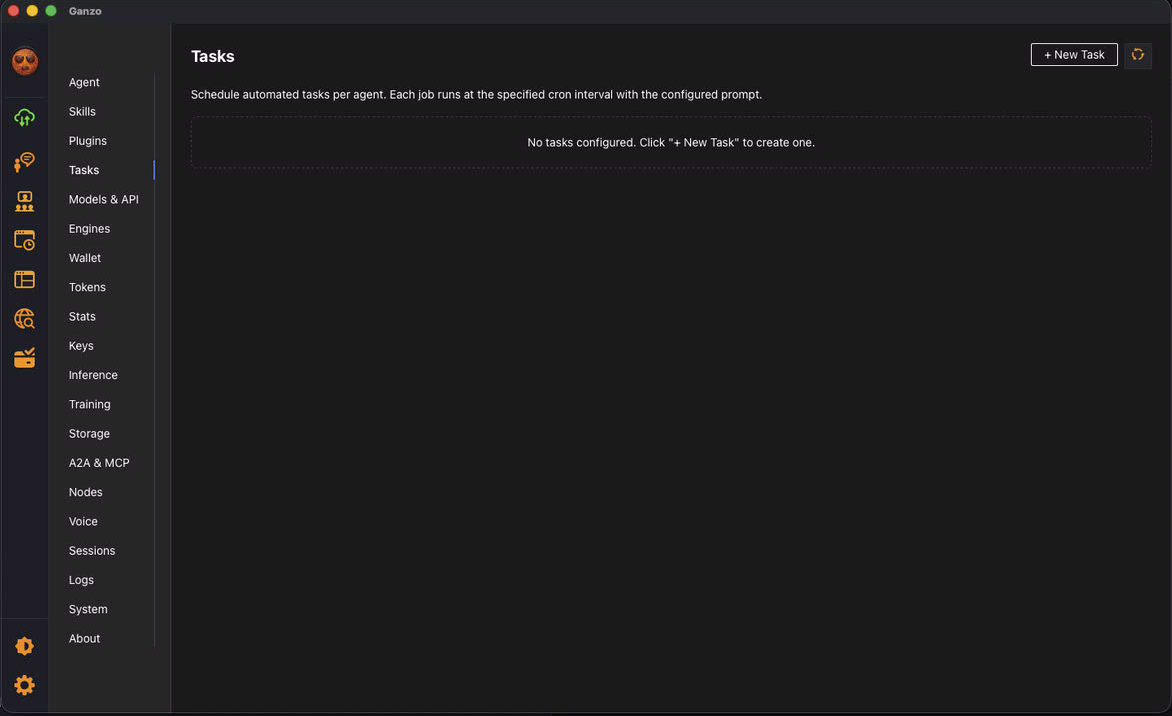
Tasks: This panel allows you to create and manage new tasks.
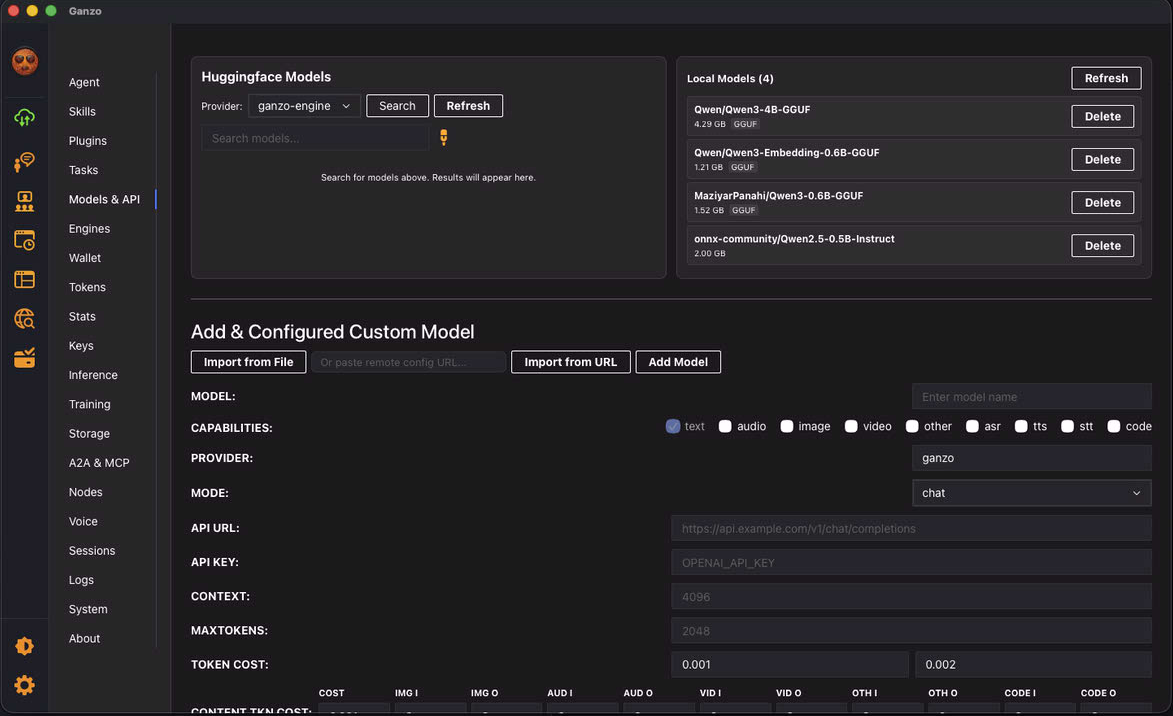
Models & API: This panel allows you to manage, create, delete Models locally and remotely.
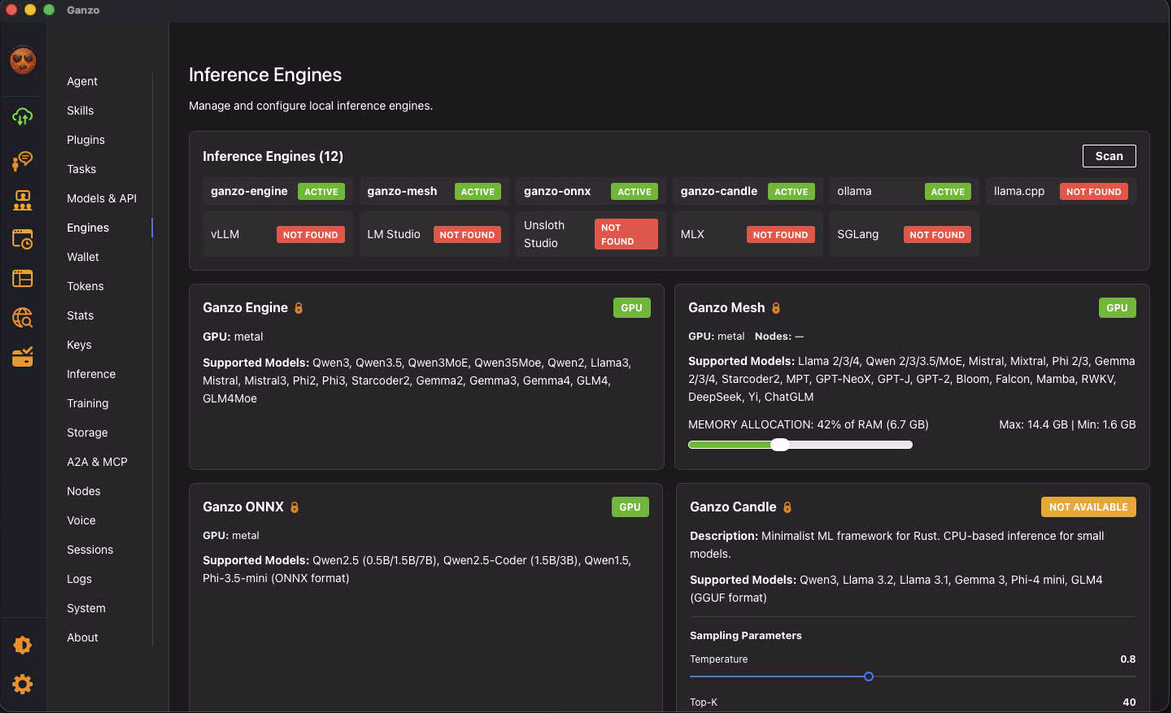
Engines: This panel allows you to manage the various Inference Engines
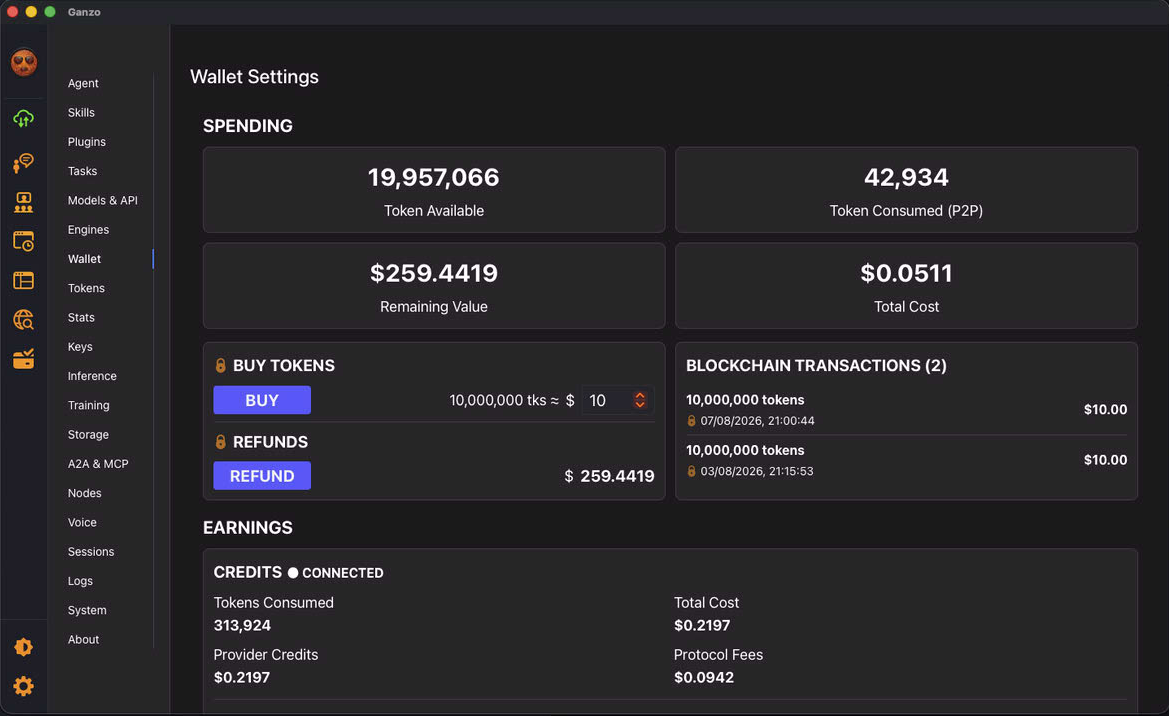
Wallet: This panel shows you the token purchased and consumed. You can Buy tokens or ask for Refund. Inference Provider manage their Pay Outs
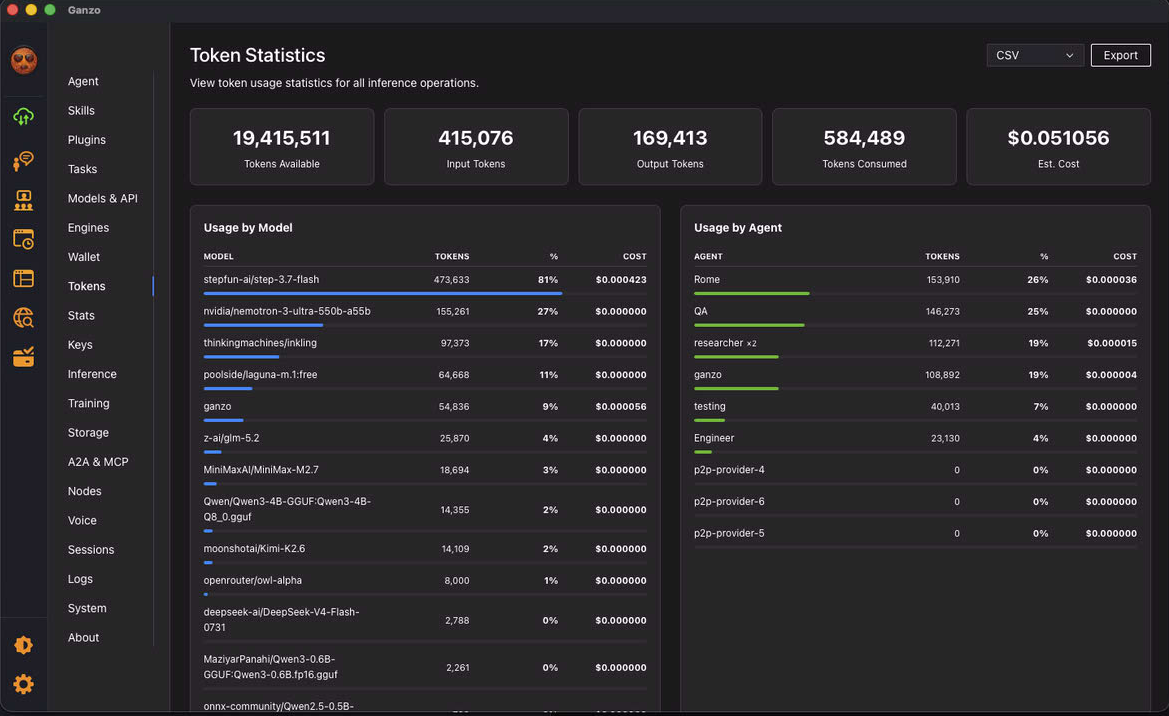
Tokens: This panel will show you the token statistics and also global blockchain token statistics.
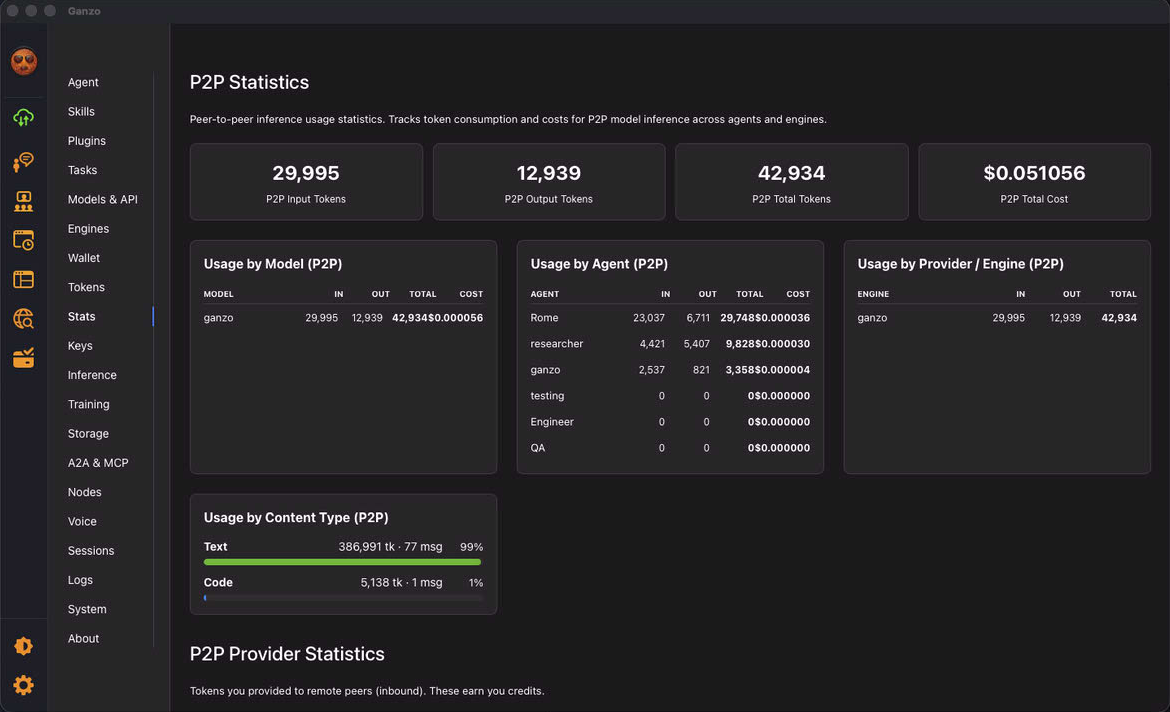
Stats: This panel shows you the token usage for entities including on the blockchain.
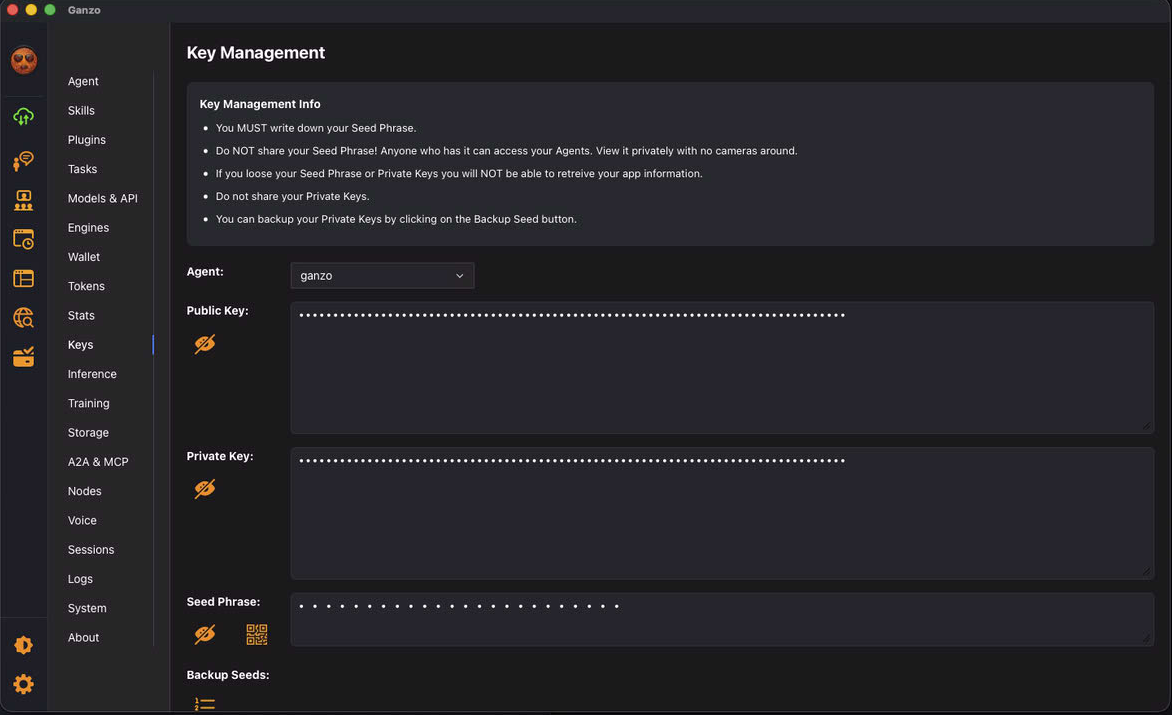
Keys: This panel allows you to manage all the public and private keys of each agent and their seed phrases.
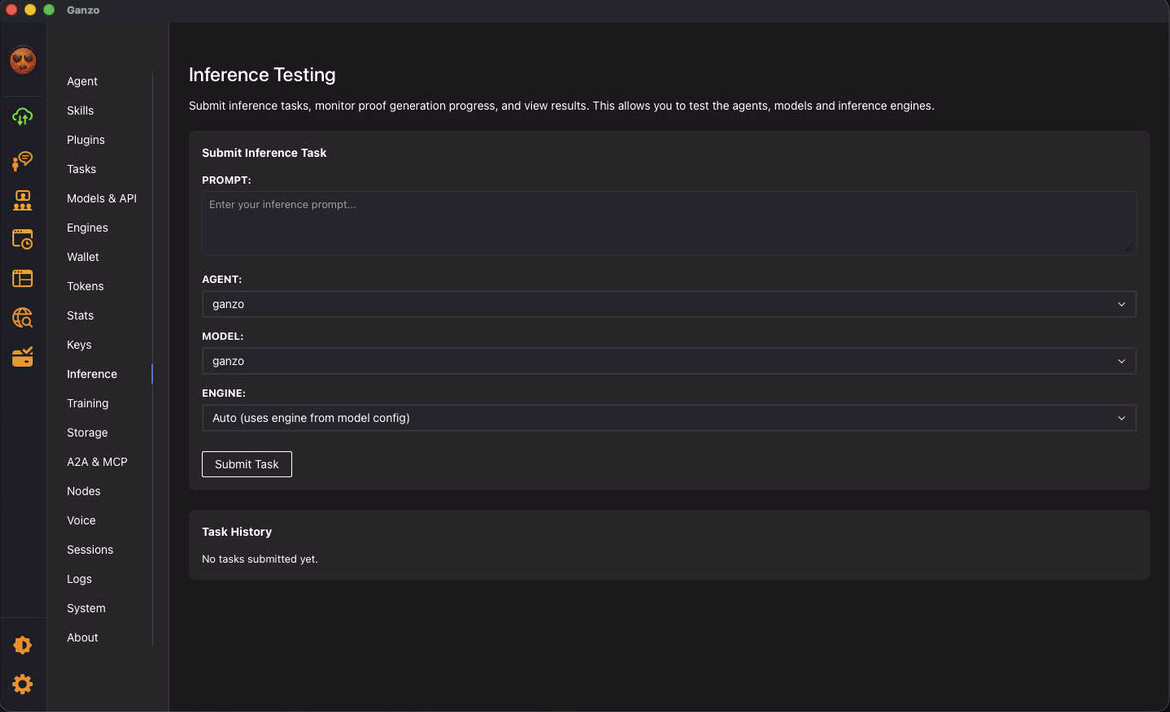
Inference: This panel allows you to test a model inference.
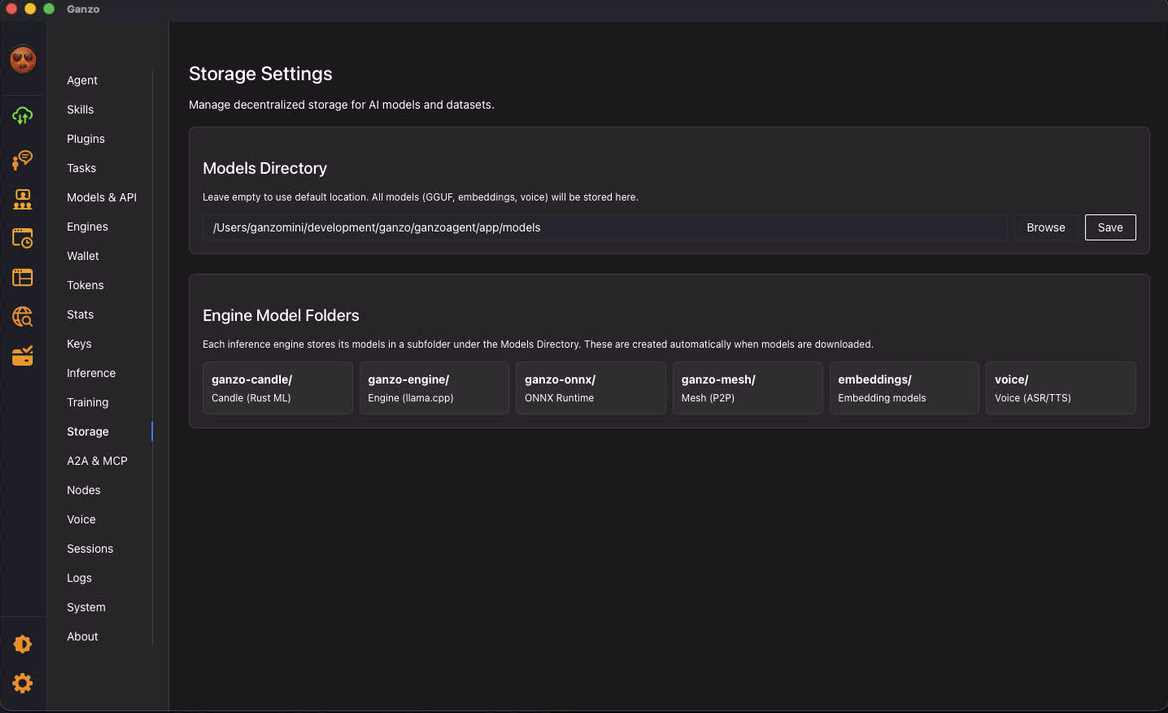
Storage: This panel allows you to manage model storage location.
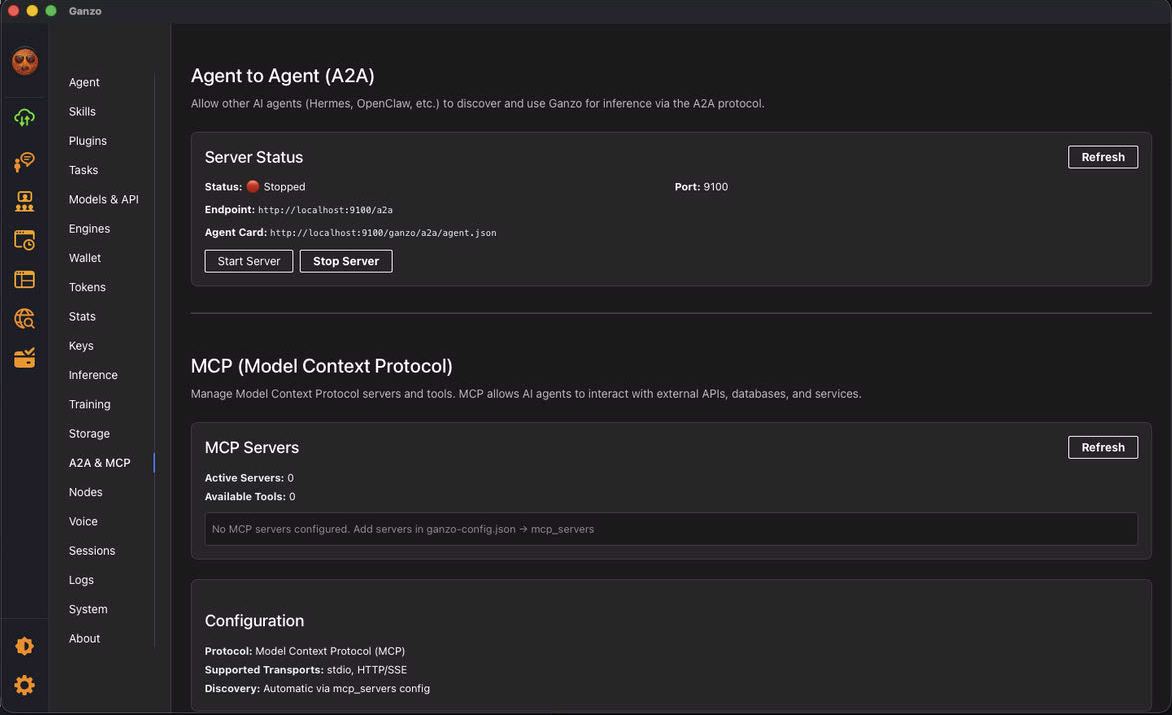
A2A & MCP: This panel allows you to manage A2A and MCP.
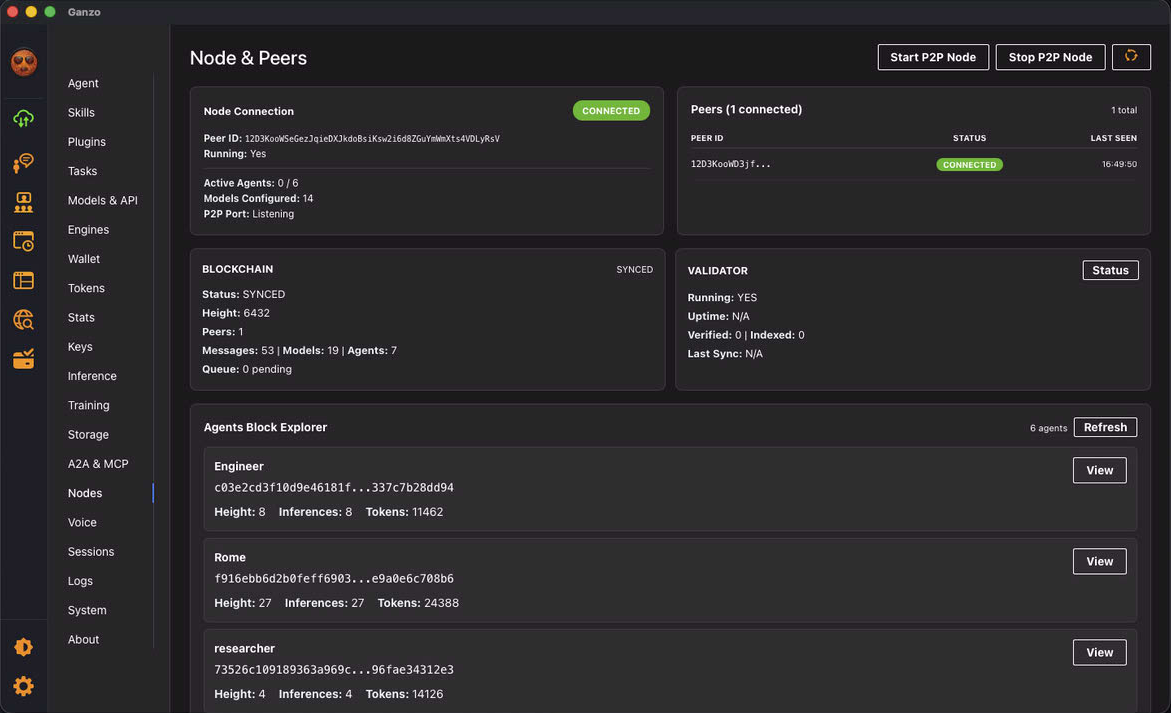
Nodes: This panel allows you to check Nodes and Peers including Blockchain blocks.
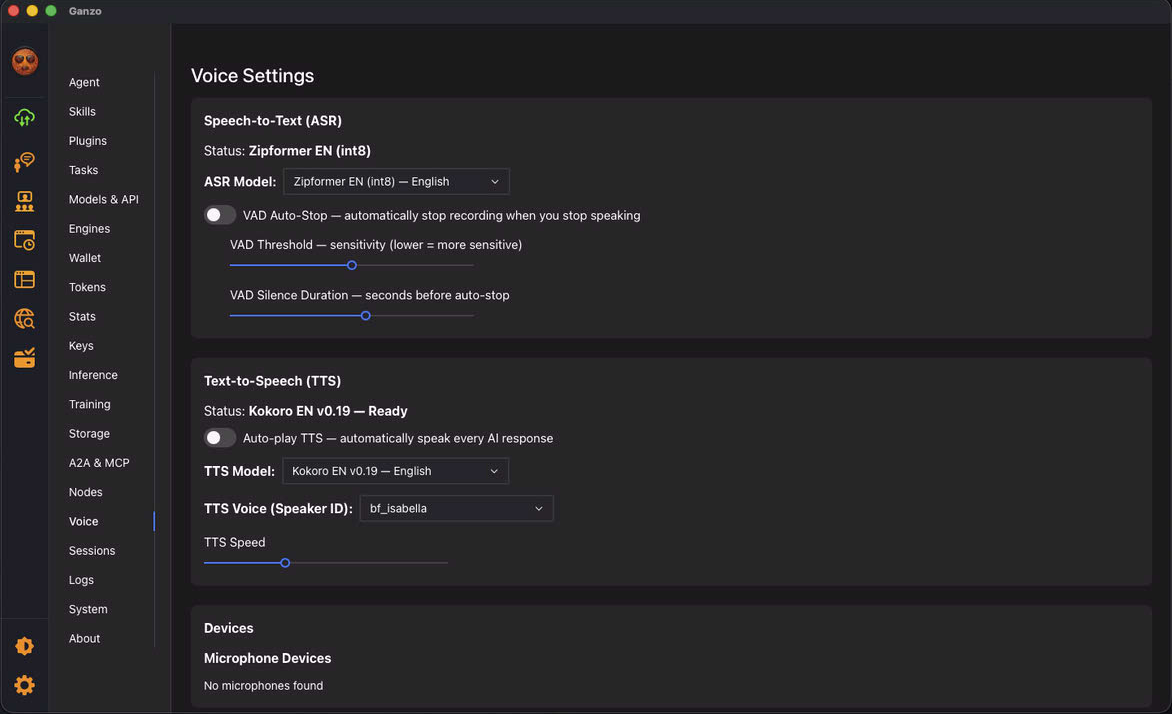
Voice: This panel manages TTS, VAD, ASR voice features.
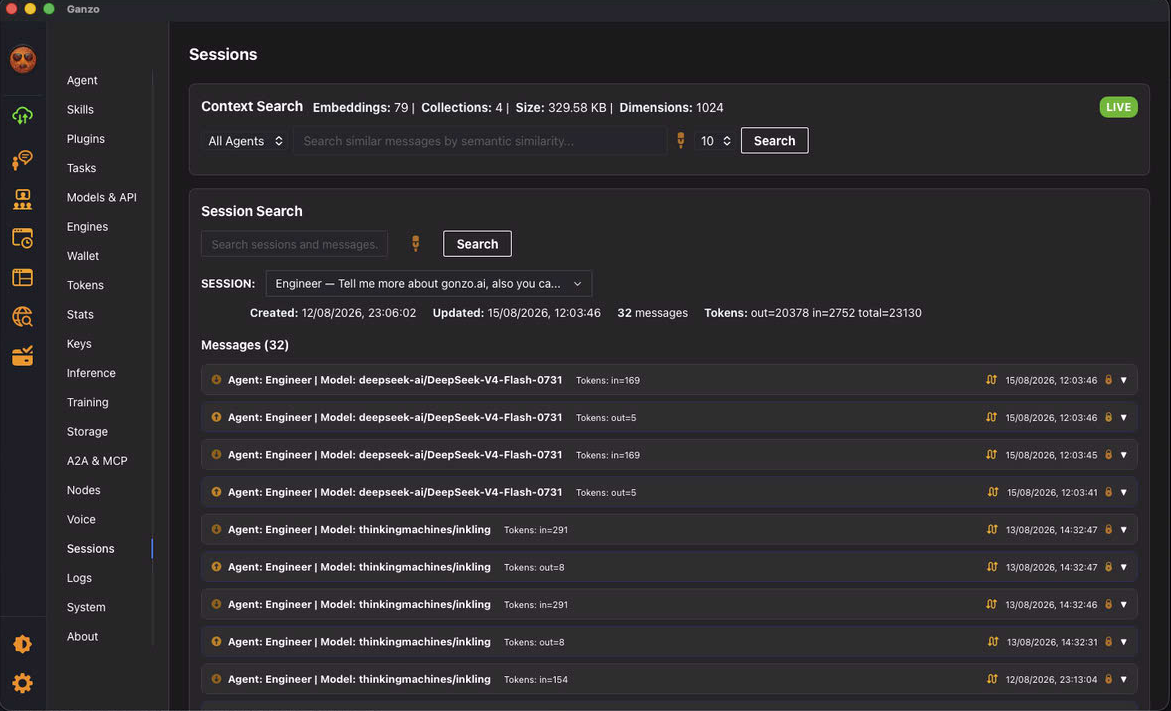
Sessions: This panel allows you to check sessions locally and on the blockchain.
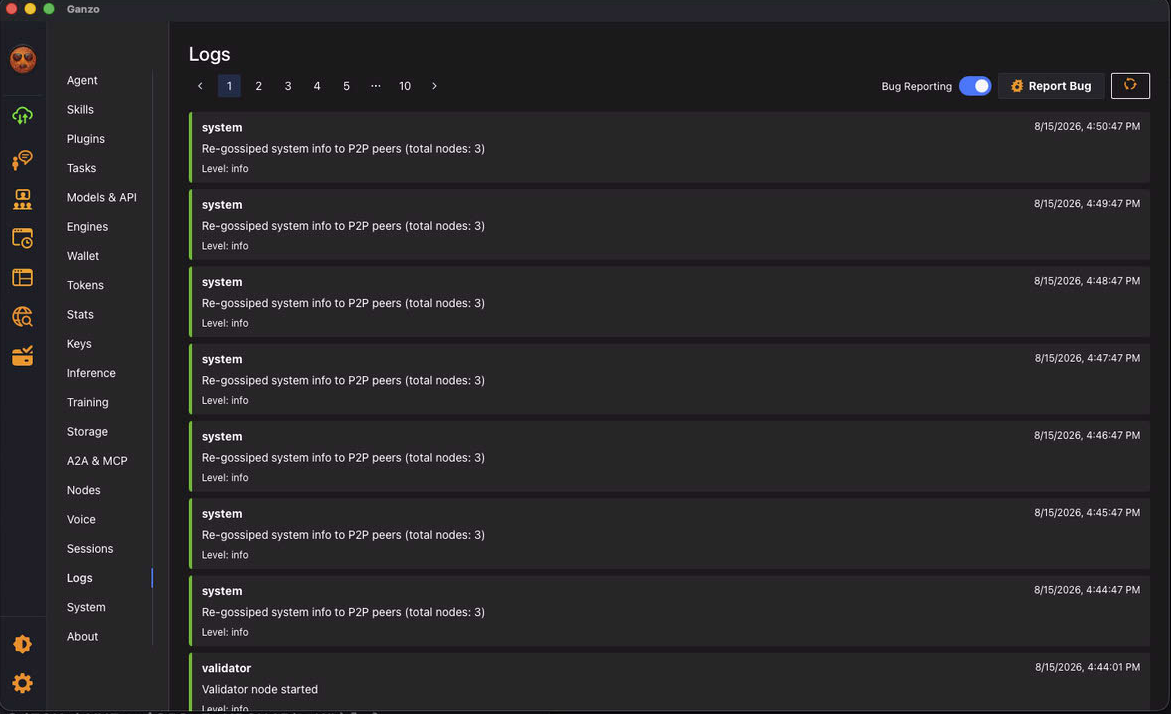
Logs: This panel allows you to check logs and report bugs.
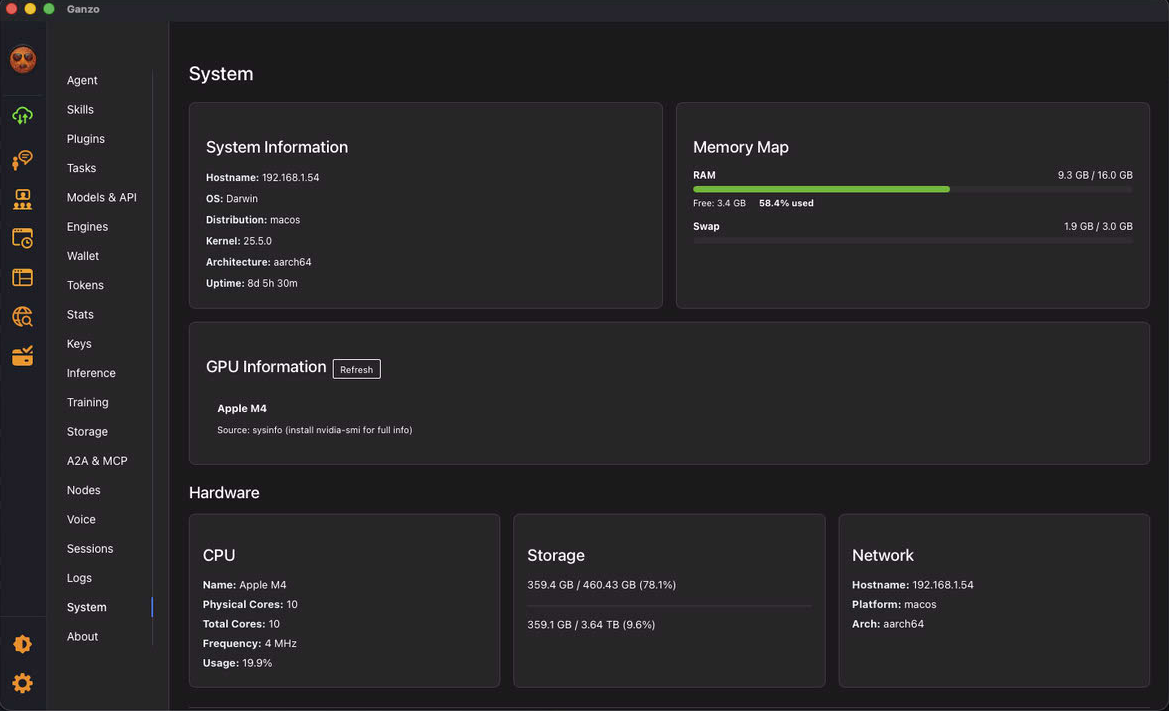
Systems: This panel shows your local system information and on global blockchain.